
CRM for Consulting Firms
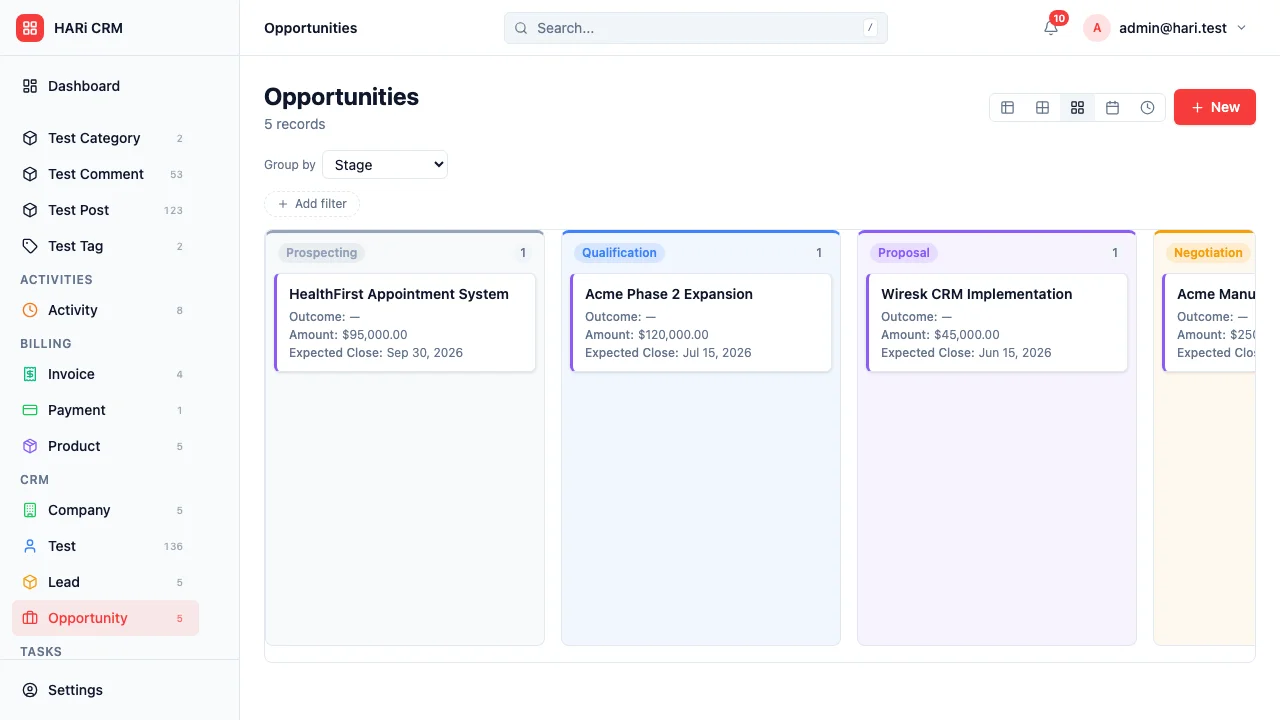
Consulting firms live and die by relationships. You need to track not just who your clients are, but what engagements you’re running, how many hours each project consumes, which proposals are pending, and when retainers come up for renewal. Spreadsheets and generic CRMs can’t handle this complexity.
Configuration recipe. This page is a guide to configuring HARi for a consulting practice. It is not a one-click install — the entities, fields and workflows below are ones you build on top of the core CRM solution.
Consulting firm CRM challenges
Section titled “Consulting firm CRM challenges”- Project-based relationships — clients have multiple engagements over time, each with different scopes and team members
- Proposal pipeline — tracking proposals from initial conversation to signed SOW requires a distinct workflow
- Time and resource tracking — knowing where consultants spend their time is critical for profitability
- Retainer management — recurring engagements need renewal tracking and utilization monitoring
How HARi handles this
Section titled “How HARi handles this”The CRM solution gives you Companies and Contacts. Add the consulting-specific entities below in Settings > Schema and use Workflows to automate proposal follow-ups, kickoffs, budget alerts, and renewals.
Entities and fields to set up
Section titled “Entities and fields to set up”- Companies — industry, account manager, relationship tier, lifetime value
- Contacts — role, decision-making authority, preferred communication channel
- Proposals — linked to Company, scope description, value, status (Draft / Sent / Accepted / Declined), valid until date
- Engagements — linked to Company and Proposal, type (Project / Retainer / Advisory), start date, end date, budget, status
- Time Entries — linked to Engagement and Consultant, date, hours, description, billable flag
- Invoices — linked to Engagement, amount, status, payment terms
Suggested workflows
Section titled “Suggested workflows”Configure these in Settings > Workflows:
- Proposal follow-up — if a proposal has been in “Sent” status for 5 days, remind the account manager to follow up
- Engagement kickoff — when a proposal is accepted, automatically create an engagement record with default tasks
- Budget alert — when time entries on an engagement reach 80% of the budget, alert the project lead
- Retainer renewal — 30 days before a retainer engagement ends, create a renewal task and notify the account manager
- Invoice generation — at month-end, create draft invoices for all active engagements with unbilled time entries
Key dashboard widgets
Section titled “Key dashboard widgets”- Active engagements by status
- Proposal pipeline value
- Consultant utilization rates
- Revenue by client (top 10)
- Retainers expiring this quarter
Get started
Section titled “Get started”- Sign up for a free HARi account and install the CRM solution from Settings > Solutions.
- In Settings > Schema, add custom entities for Proposal, Engagement, Time Entry, and Invoice with the fields above.
- Configure the suggested workflows in Settings > Workflows.
- Build a practice dashboard from Dashboards using counters and custom charts on the new entities.