
Customer Onboarding Workflow Template
Closing the deal is only half the battle. A poor onboarding experience leads to churn, support tickets, and buyers’ remorse. Yet most teams run onboarding from spreadsheets and memory, with no repeatable process.
Configuration recipe. This page is a guide to configuring HARi for a structured customer-onboarding process. It is not a one-click install — the entities, BPF stages and workflows below are ones you set up on top of the core CRM solution.
Common onboarding challenges
Section titled “Common onboarding challenges”- Inconsistent experience — each rep handles onboarding differently, so quality varies
- Dropped steps — critical tasks like sending credentials or scheduling training get forgotten
- No visibility — managers can’t see which customers are stuck in onboarding
- Time to value — the longer it takes a customer to go live, the higher the churn risk
How HARi handles this
Section titled “How HARi handles this”Configure an Onboarding Project entity, model the lifecycle as a Business Process Flow, and use Workflows to react to each stage transition.
Onboarding stages
Section titled “Onboarding stages”Configure these as the BPF on the Onboarding Project entity (Settings > Schema > Onboarding Project > Process tab):
| Stage | Actions | Owner |
|---|---|---|
| Welcome | Send welcome email with next steps, share documentation | Automated |
| Kickoff Call | Schedule and conduct kickoff meeting, confirm goals | Account Manager |
| Setup | Configure the customer’s environment, import data | Technical team |
| Training | Deliver training sessions, share video guides | Account Manager |
| Go-Live | Final review, launch, celebrate | Account Manager |
Entities and fields to set up
Section titled “Entities and fields to set up”- Onboarding Projects — linked to the Company, with a stage field, target go-live date, and health status
- Onboarding Tasks — checklist items within each stage, with due dates and assignees
- Contacts — primary contact, technical contact, executive sponsor
- Activities — calls, emails, and meetings tied to the onboarding project
Suggested workflows
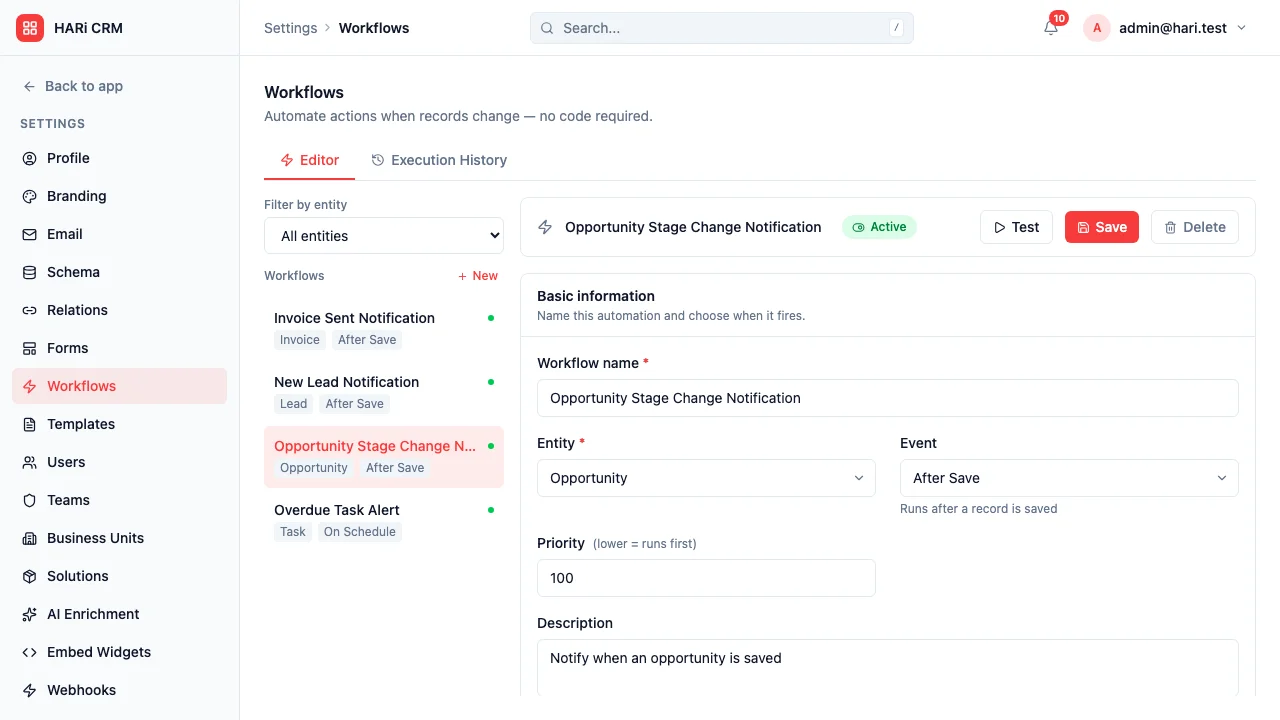
Section titled “Suggested workflows”Configure these in Settings > Workflows:
- Auto-create onboarding project — when an opportunity moves to Closed Won, create an onboarding project with all default tasks
- Welcome email — immediately send a personalized welcome email to the primary contact
- Kickoff scheduling — create a task for the account manager to schedule the kickoff within 48 hours
- Stage escalation — if any stage takes longer than its SLA (e.g., Setup > 5 days), alert the manager
- Go-live celebration — when the project reaches Go-Live, send a congratulations email and create a 30-day check-in task
Key dashboard widgets
Section titled “Key dashboard widgets”- Customers in each onboarding stage (kanban view)
- Average time to go-live
- Overdue onboarding tasks
- Customer health scores
Get started
Section titled “Get started”- Install the CRM solution from Settings > Solutions if you have not already.
- In Settings > Schema, create the Onboarding Project entity with the fields above and configure the BPF stages on its Process tab.
- Configure the suggested workflows in Settings > Workflows so every Closed Won opportunity kicks off an onboarding project automatically.
- Build an onboarding dashboard from Dashboards to monitor stage distribution and SLA breaches.