
Unified Inbox
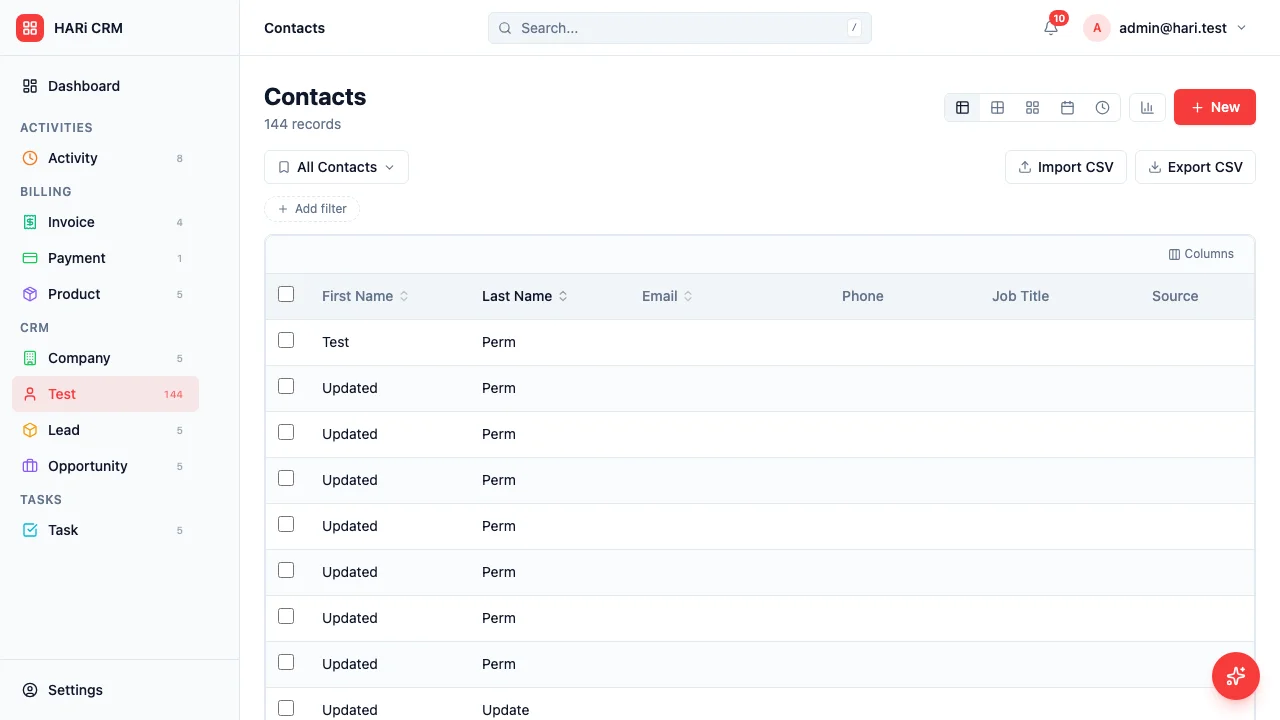
HARi’s unified inbox brings all customer conversations into a single view. No more switching between email, messaging apps, and your CRM.
Supported channels
Section titled “Supported channels”| Channel | Status | Features |
|---|---|---|
| Email (SMTP) | Available | Send/receive, threading, attachments |
| Email (Plunk) | Available | Transactional email, open/click tracking |
| Microsoft 365 | Available | OAuth, send from Outlook identity, calendar sync |
| Telegram | Available | Bot messages, group chats, media |
| WhatsApp Business | Coming soon | Messages, media, conversation threads |
| Gmail (OAuth) | Coming soon | Native integration, tracking |
How it works
Section titled “How it works”Connect your email via SMTP or Plunk in Settings > Email Sending. Incoming and outgoing emails are automatically matched to contacts in your CRM by email address.
Microsoft 365
Section titled “Microsoft 365”Connect your M365 account in Settings > Connected Channels. Emails are sent as your Outlook identity — they appear in your Outlook Sent Items. Calendar events sync automatically.
Telegram
Section titled “Telegram”The HARi Telegram bot lets you send messages to contacts who have a Telegram handle. Conversations appear in the inbox alongside emails.
Entity linking
Section titled “Entity linking”Every conversation is linked to a CRM record. When you receive a message from a known contact, it appears on their record timeline. If the sender is unknown, HARi suggests creating a new contact.
Inbox features
Section titled “Inbox features”Threaded conversations
Section titled “Threaded conversations”Messages are grouped into threads by conversation. Email threads follow the standard Re:/Fwd: threading. Telegram messages are grouped by contact.
Unified timeline
Section titled “Unified timeline”On any contact or company record, the Activity tab shows all conversations across all channels in chronological order. You see the full history of interactions at a glance.
Quick reply
Section titled “Quick reply”Reply to any message directly from the inbox without opening the full record. Choose the channel (email, Telegram) and type your response.
Attachments
Section titled “Attachments”Attachments from any channel are stored in the CRM and linked to the relevant record. View, download, or forward attachments from the inbox.
Filters and search
Section titled “Filters and search”Filter the inbox by:
- Channel (email, Telegram, WhatsApp)
- Status (unread, read, replied)
- Linked entity (contact, company, opportunity)
- Date range
- Assigned user
Search across all messages with full-text search.
Notifications
Section titled “Notifications”New messages trigger notifications based on your preferences:
- In-app: badge count on the inbox icon
- Browser: desktop push notification
- Telegram: optional bot notification for new emails
Logging conversations as activities
Section titled “Logging conversations as activities”Every message in the inbox is automatically logged as an activity on the linked record. This means your activity timeline is always complete, whether the interaction happened via email, Telegram, or WhatsApp.