
Business units
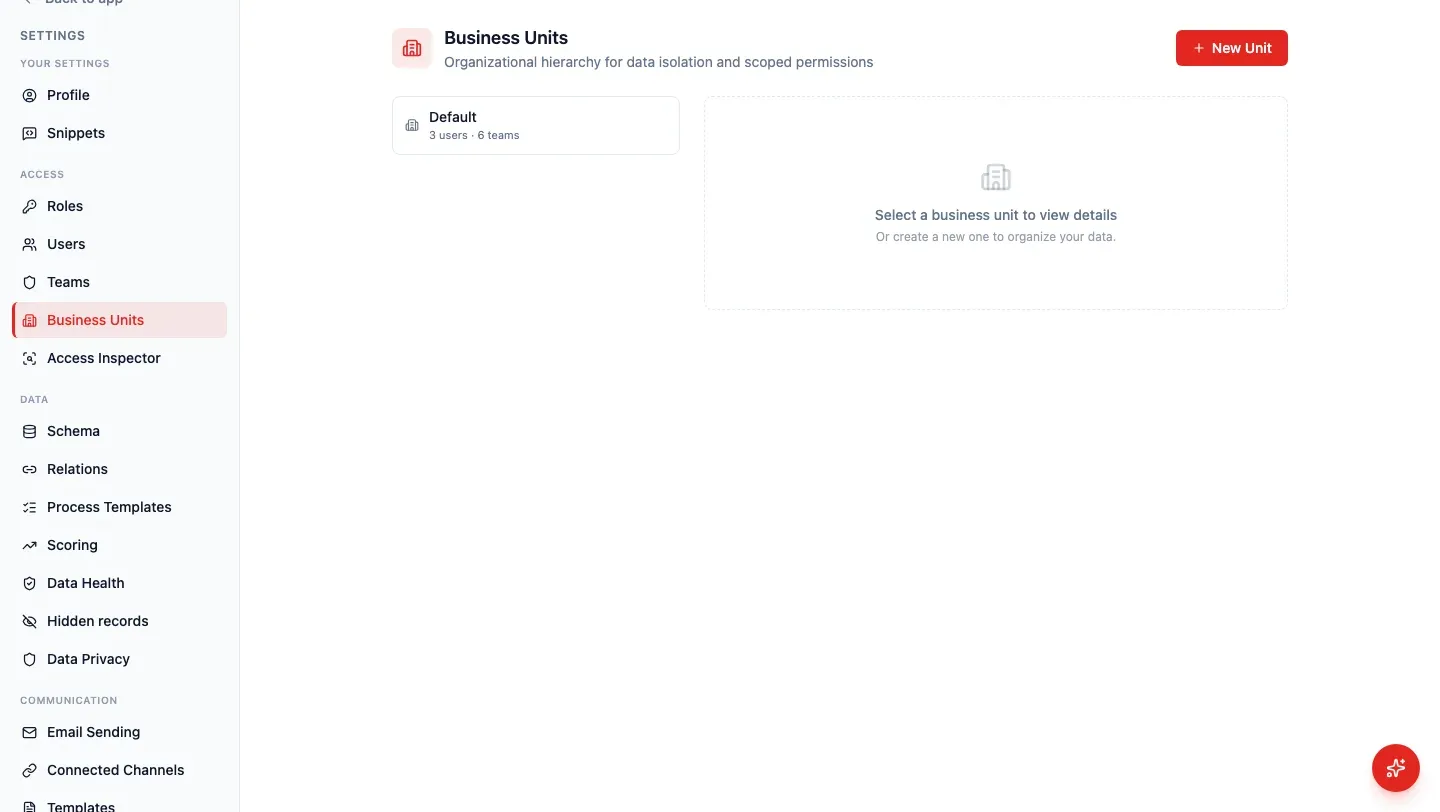
A business unit is a partition of the workspace — a country, a brand, a subsidiary. Every team belongs to exactly one unit. A role can reach “all records in their business unit” without reaching the whole organisation.
If you have only one unit (named Default), you can ignore this page. HARi still creates it, because every team needs a home.
When do I need a second unit?
Section titled “When do I need a second unit?”When two groups of people must not see each other’s records, and a team split is not enough. Example: France and Germany each have a sales team, and France must not open Germany’s contacts.
Creating a unit requires an administrator. HARi also creates a General — {unit} team so the unit is never empty. That does not change anyone’s default working team.
Microsoft’s Zero Trust model asks you to “assume breach” and “verify explicitly” — including which part of the company a person belongs to (Microsoft, Zero Trust). A second business unit is that boundary in the CRM: named, owned, and visible in Settings. IBM’s 2024 breach report found 40% of incidents involved data spread across more than one environment (IBM, Cost of a Data Breach 2024); splitting France from Germany in HARi is how those environments stay labelled.
How does a role use the unit?
Section titled “How does a role use the unit?”On Settings → Access → Roles, the reach All records in their business unit means: if the person’s team sits in France, they see France’s records, not Germany’s. Every record in the organization crosses units. Records their teams own stays inside the teams they actually joined.
Records follow their holding team. Move a team to another unit and its records follow — HARi asks you to type a confirmation first.