
Saving a record you just loaded
A Zapier, Make, import tool, or API script that reads a HARi record and writes that same payload back now succeeds. The save returns HTTP 200. HARi includes a few extra names on the way out so a list can show who owns the record and what a money amount is in your workspace currency. Those names are not fields you created. Sending them back is ignored, and your real fields are saved.
That round-trip is how most no-code tools work: they fetch the record, change one field, and send the whole object back. Small businesses already run many of those tools at once. Okta’s SMBs at Work 2024 report, from anonymised data on over 18,000 companies, found that businesses with 50 or fewer employees deploy around 36 apps, and SMBs overall average 58 (Okta, “What Apps Make the SMB Stack?”, 2024). When those apps copy a record from HARi and write it back, the save must not fail on a name nobody typed into Settings → Schema.
Why did saving a record I just loaded fail?
Section titled “Why did saving a record I just loaded fail?”It does not fail any more. Fetch a contact, invoice, or any other record, and send the body back. The response is 200. You do not have to strip names you did not put on the form.
It used to fail with HTTP 422 and the code UNKNOWN_FIELD, naming owner or a converted money amount such as total_base — names you never created as fields. RFC 9110 defines that status as: “The 422 (Unprocessable Content) status code indicates that the server understands the content type of the request content … and the syntax of the request content is correct, but it was unable to process the contained instructions” (RFC 9110, HTTP Semantics, §15.5.21). The instruction was “save this record I just loaded.” Those extra names are now accepted and ignored.
HTTP’s own contract for PUT is the other direction: a successful PUT “would suggest that a subsequent GET on that same target resource will result in an equivalent representation being sent in a 200 (OK) response” (RFC 9110, §9.3.4). HARi now honours the GET-then-PUT direction too.
Which extra names appear when I read a record?
Section titled “Which extra names appear when I read a record?”These extras can be sent back on the same PUT. Two of them are ignored; _currency is applied.
owner— a short object with the owner’s id and display name, so a list or a Zap can show a person’s name instead of a raw id. Sendingownerback is ignored. To change who owns the record, use Reassign on the record. A generic PUT that includesowner_idalso does not move ownership. See What is record ownership?.total_base(and the same pattern on every money field) — the amount in your workspace reporting currency. If the field istotal, the extra name istotal_base. HARi keeps this so dashboards can add euros, dollars, and pounds together. Sending it back is ignored; HARi recalculates it from the money field and the exchange rate. See How to set up multi-currency._currency— a three-letter code such asEURon a money record. Unlikeownerand{field}_base, this one is accepted and applied on write.
What happens when I send those names back?
Section titled “What happens when I send those names back?”They are accepted and ignored. HARi already knows the owner from the Owner field, and it already recomputes the workspace-currency amount from the money field plus the exchange rate. Sending the extras back does not change either value. The response is HTTP 200.
A field you did create is written as usual. If you added your own field named owner, that real field is kept on read and saved on write — HARi does not overwrite it with the owner label.
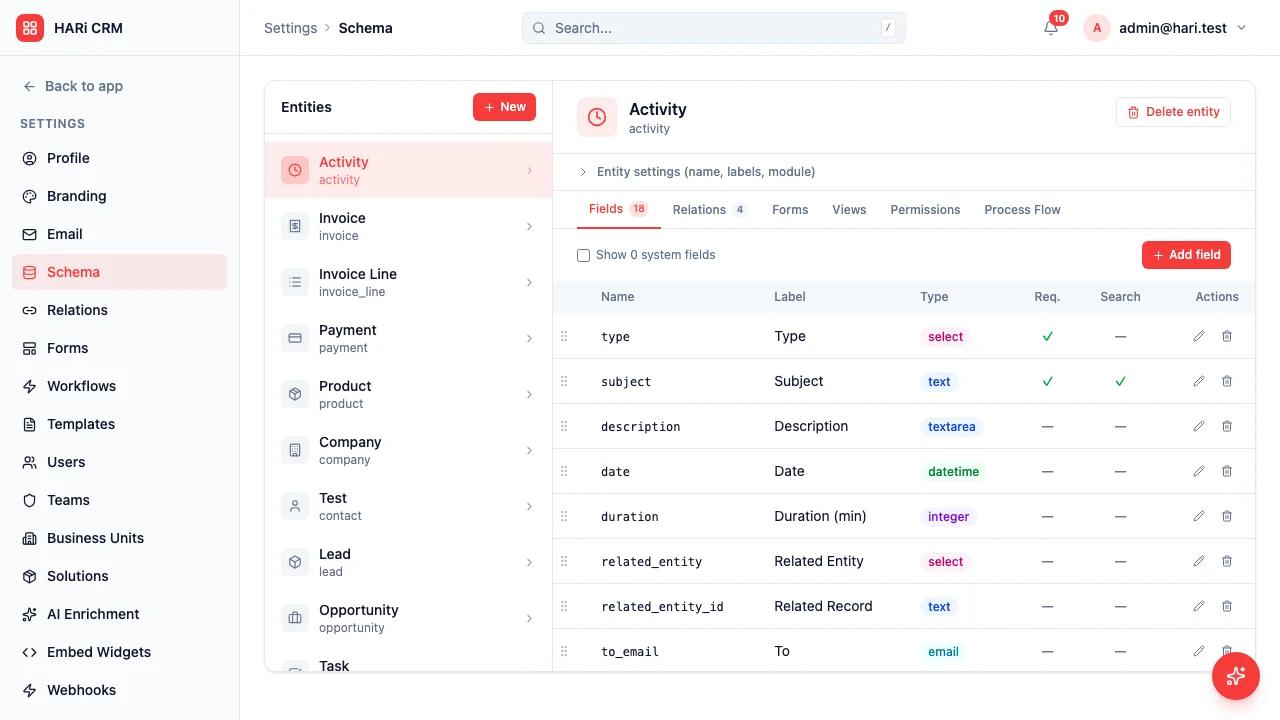
A name that is still unknown — a typo, a deleted field, a column from another entity — still returns 422 UNKNOWN_FIELD. That error is the useful one: it names the field so you can fix the mapping. See How to troubleshoot API errors.
How should I save a record from Zapier or the API?
Section titled “How should I save a record from Zapier or the API?”- GET
/api/records/{entity}/{id}(or search, then take the row). - Change only the fields you mean to change.
- PUT the payload to
/api/records/{entity}/{id}.
You can still send only the fields you changed. A partial body is the cheaper, clearer path. A full body — the one Zapier and import tools produce by default — is also accepted.
Auth, rate limits, and the list of endpoints live on API Overview. Connecting without code is covered in How to connect HARi to Zapier and Webhooks. If two people edit the same record at once, optimistic locking still applies: different fields merge; the same field asks you to choose.