
CRM for E-Commerce
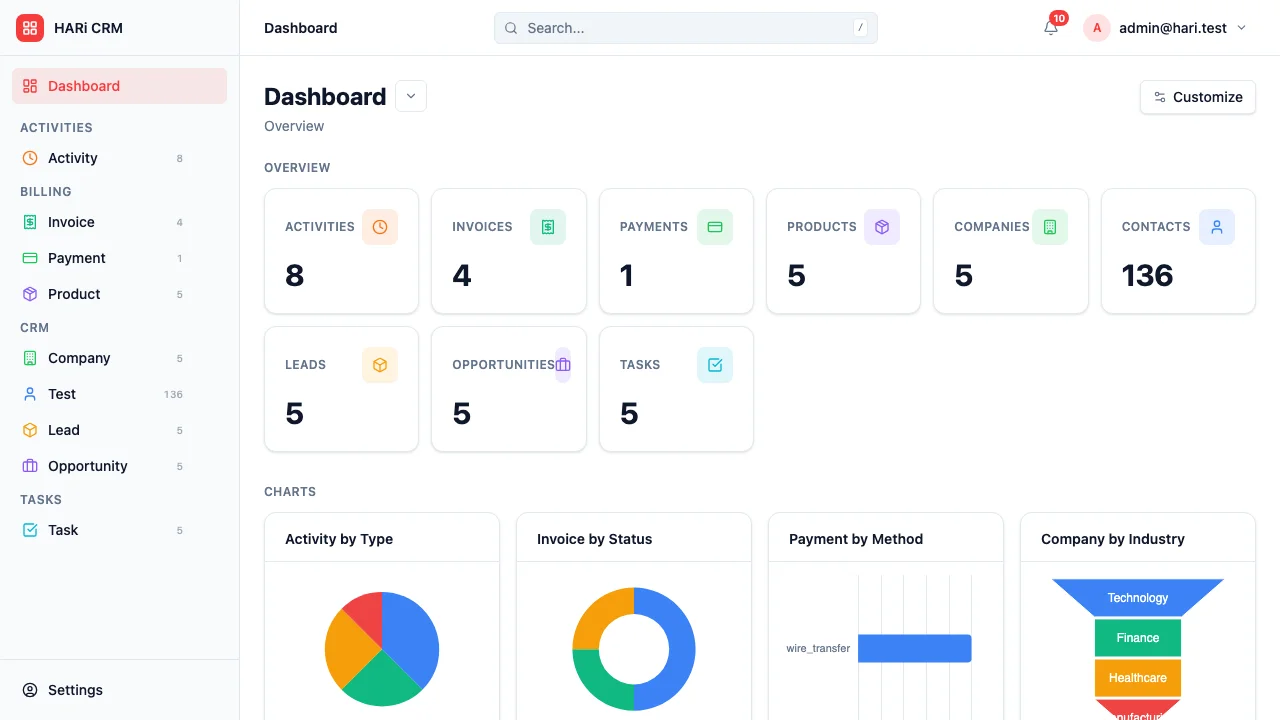
E-commerce businesses have rich customer data — purchase history, browsing behavior, order frequency, return rates — but most of it sits in separate systems. Your store platform tracks orders, your email tool tracks opens, and your support desk tracks tickets. HARi brings it all together so you can see the full picture of each customer.
Configuration recipe. This page is a guide to configuring HARi for an e-commerce business. It is not a one-click install — the entities, fields and workflows below are ones you build on top of the core CRM solution. The Shopify integration solution is also available from Settings > Solutions if you sell through Shopify.
E-commerce CRM challenges
Section titled “E-commerce CRM challenges”- Data silos — customer information is scattered across your store, email, and support tools
- Segmentation — treating all customers the same means missing opportunities for personalized marketing
- Return management — returns affect customer lifetime value, and patterns need to be tracked
- Repeat purchases — your most valuable customers are the ones who come back, but identifying and nurturing them requires data
How HARi handles this
Section titled “How HARi handles this”The CRM solution gives you Contacts and Companies. Add Order, Return, and Support Ticket entities in Settings > Schema and use Workflows to drive segmentation transitions and lifecycle automations. If you use Shopify, the Shopify integration can sync customers and orders for you.
Entities and fields to set up
Section titled “Entities and fields to set up”- Customers (Contacts) — email, first purchase date, total orders, total spent, average order value, customer segment (New / Active / VIP / At-Risk / Lapsed)
- Companies (for B2B e-commerce) — company name, account type, credit terms
- Orders — linked to Customer, order number, date, items, total, status (Pending / Shipped / Delivered / Returned)
- Returns — linked to Order and Customer, reason, resolution (Refund / Exchange / Credit), status
- Support Tickets — linked to Customer and Order, subject, priority, status, resolution time
Customer segmentation rules
Section titled “Customer segmentation rules”| Segment | Criteria |
|---|---|
| New | First purchase within last 30 days |
| Active | Purchased within last 90 days, 2+ orders total |
| VIP | Top 10% by lifetime spend or 5+ orders |
| At-Risk | Previously active, no purchase in 90-180 days |
| Lapsed | No purchase in 180+ days |
Suggested workflows
Section titled “Suggested workflows”Configure these in Settings > Workflows:
- New customer welcome — on first purchase, send a welcome email with a discount code for the next order
- VIP recognition — when a customer crosses the VIP threshold, notify the account manager and send a personalized thank-you
- At-risk re-engagement — when a customer moves to “At-Risk” segment, trigger a win-back email sequence
- Return pattern alert — if a customer’s return rate exceeds 30%, flag for review
- Review request — 7 days after delivery, send a product review request
Key dashboard widgets
Section titled “Key dashboard widgets”- Revenue by customer segment
- Customer lifetime value distribution
- Return rate trend
- Repeat purchase rate
- Top customers by revenue
Get started
Section titled “Get started”- Sign up for a free HARi account and install the CRM solution from Settings > Solutions.
- If you sell on Shopify, also install the Shopify integration solution to sync customers and orders.
- In Settings > Schema, add Order, Return, and Support Ticket entities with the fields above and a customer-segment field on Contact.
- Configure the suggested workflows in Settings > Workflows.
- Build a retail dashboard from Dashboards with the suggested widgets.