
Follow-Up Reminders
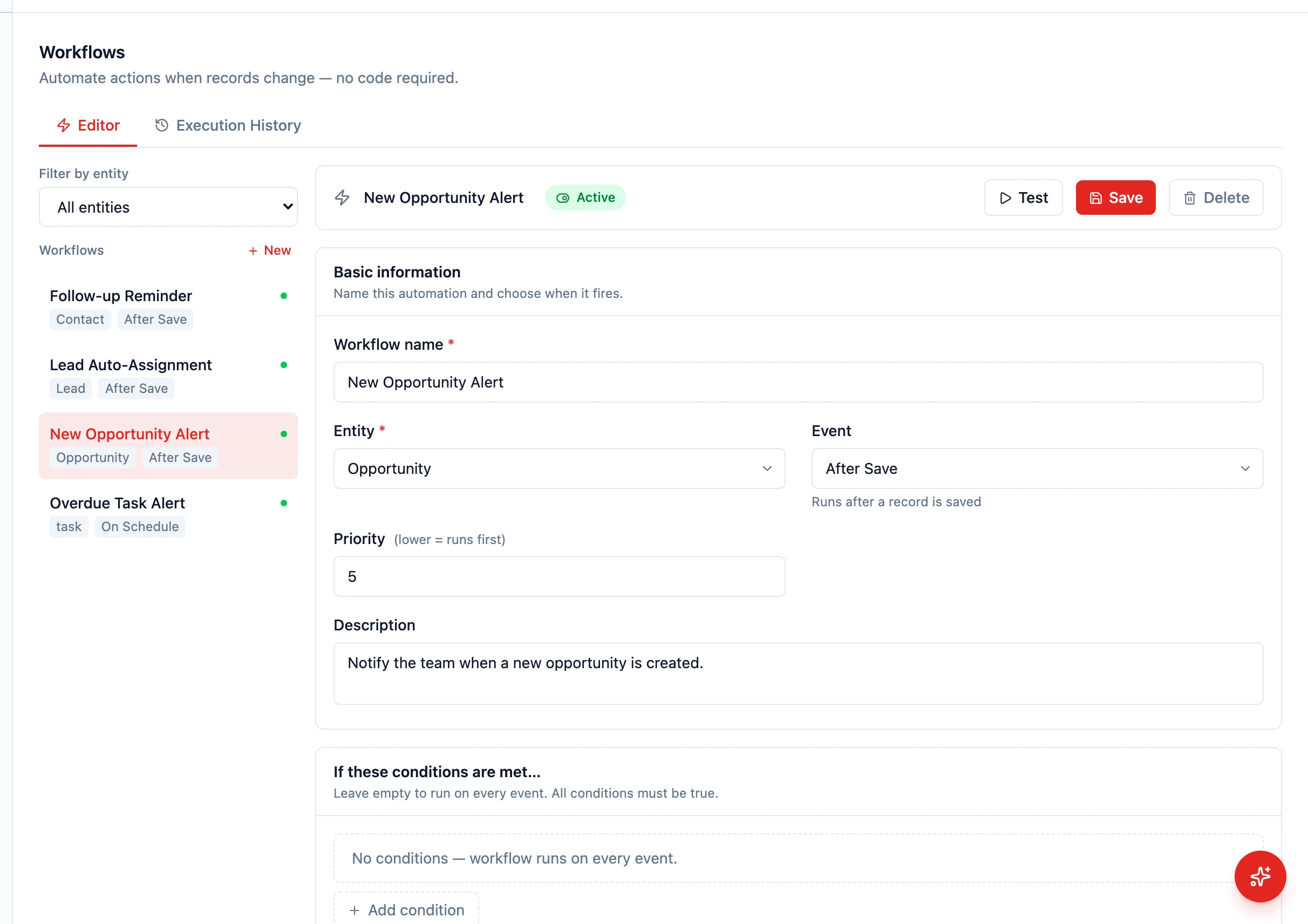
Follow-Up Reminders
Section titled “Follow-Up Reminders”Deals go cold when follow-ups slip through the cracks. HARi CRM lets you automate follow-up reminders so your team never forgets to reach out.
Creating a Follow-Up Reminder Workflow
Section titled “Creating a Follow-Up Reminder Workflow”This workflow creates a task reminder when a deal has not been updated for a set number of days.
- Go to Settings > Workflows
- Create a new workflow
- Name it “Stale Deal Follow-Up”
- Set the Entity to Opportunity
- Set the Event to On Schedule (runs on a time-based schedule)
- In the IF section, add conditions:
stageis notclosed_wonstageis notclosed_lostupdated_atis more than 7 days ago
- In the THEN section, add an action: Create related record
- Target entity: Task
- Subject: “Follow up on {{record.name}}”
- Owner: the opportunity’s owner
- Due Date: today
- Save and activate
Reminder via Notification
Section titled “Reminder via Notification”Instead of (or in addition to) creating a task, you can send a notification:
- In the THEN section, add a Send notification action
- Set the recipient to the deal owner (literal user ID or
{{record.owner_id}}) - Write a message: “Your deal ‘{{record.name}}’ has not been updated in 7 days. Time to follow up!”
The notification appears in the bell icon in HARi’s top bar.
Customizing the Reminder Interval
Section titled “Customizing the Reminder Interval”You can adjust the “7 days” threshold to match your sales cycle:
- Fast-moving sales (SaaS, retail): 3 days without activity
- Medium cycle (professional services): 7 days
- Long cycle (enterprise, real estate): 14 days
Create multiple workflows with different intervals for different deal values or stages.
Tracking Follow-Up Completion
Section titled “Tracking Follow-Up Completion”When a sales rep follows up, they should log the activity on the deal record. This updates updated_at and resets the reminder timer. Activities can include:
- Adding a comment
- Sending an email
- Logging a call
- Moving the deal to the next stage
Next Steps
Section titled “Next Steps”- Create a Follow-Up Sequence for multi-step automated sequences
- Send Automated Emails to combine reminders with automated outreach
- Manage Deals for day-to-day pipeline management