
CRM for Recruiters
Recruitment is a relationship business with two sides: clients who need talent and candidates who need opportunities. You need to track both simultaneously, match them efficiently, and manage a pipeline of interviews and placements. Generic CRMs treat everything as a “deal” — HARi lets you model the recruitment process properly.
Configuration recipe. This page is a guide to configuring HARi for a recruitment practice. It is not a one-click install — the entities, fields and workflows below are ones you build on top of the core CRM solution.
Recruitment CRM challenges
Section titled “Recruitment CRM challenges”- Two-sided pipeline — you manage client relationships and candidate relationships at the same time
- Candidate matching — finding the right candidate for the right role requires searchable skills, experience, and preferences
- Interview coordination — scheduling across candidates, clients, and hiring managers is a logistics puzzle
- Placement tracking — tracking fees, start dates, guarantee periods, and payment milestones
How HARi handles this
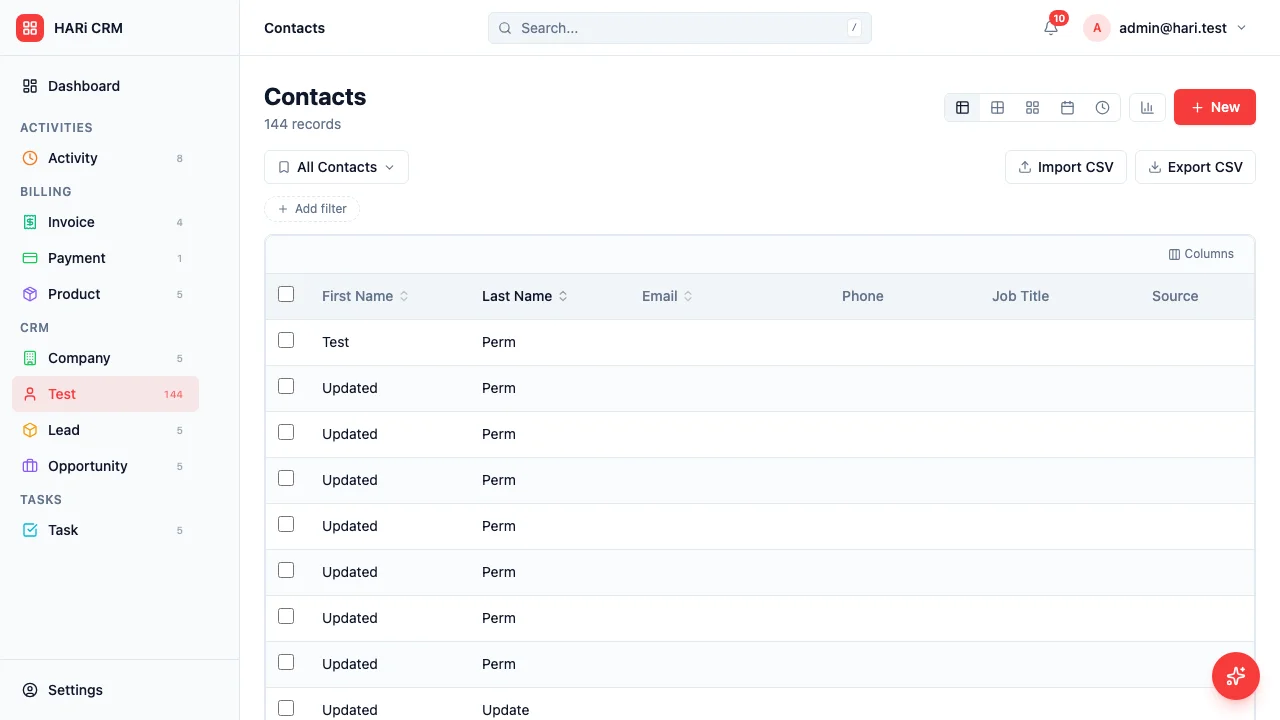
Section titled “How HARi handles this”The CRM solution gives you Companies (Clients) and Contacts (Candidates). Add Job Opening, Application, Interview, and Placement entities in Settings > Schema, and use Workflows to drive matching, scheduling, and onboarding.
Entities and fields to set up
Section titled “Entities and fields to set up”- Clients (Companies) — industry, hiring contact, fee agreement, payment terms
- Candidates (Contacts) — skills, experience level, salary expectations, availability, location, resume link, status (Available / Interviewing / Placed / Inactive)
- Job Openings — linked to Client, title, description, requirements, salary range, location, status (Open / Filled / On Hold / Cancelled)
- Applications — linked to Candidate and Job Opening, status (Applied / Shortlisted / Interview / Offer / Placed / Rejected), submission date
- Interviews — linked to Application, date/time, interviewer, type (Phone / Video / On-site), feedback, outcome
- Placements — linked to Candidate, Client, and Job Opening, start date, fee, guarantee period, payment status
Suggested workflows
Section titled “Suggested workflows”Configure these in Settings > Workflows:
- Candidate matching — when a new job opening is created, automatically search for candidates with matching skills and flag them for review
- Interview scheduling — when a candidate is shortlisted, create an interview scheduling task
- Feedback follow-up — 24 hours after an interview, remind the recruiter to collect feedback from the hiring manager
- Offer management — when an offer is extended, create follow-up tasks for negotiation and acceptance
- Placement onboarding — when a placement is confirmed, create tasks for contract signing, start date confirmation, and first-day check-in
Key dashboard widgets
Section titled “Key dashboard widgets”- Open jobs by client
- Candidates in pipeline by stage
- Placements this month
- Revenue from fees (current quarter)
- Average time to fill
Get started
Section titled “Get started”- Sign up for a free HARi account and install the CRM solution from Settings > Solutions.
- In Settings > Schema, add Job Opening, Application, Interview, and Placement entities with the fields above.
- Configure the suggested workflows in Settings > Workflows.
- Build a recruitment dashboard from Dashboards with the suggested widgets.