
API Overview
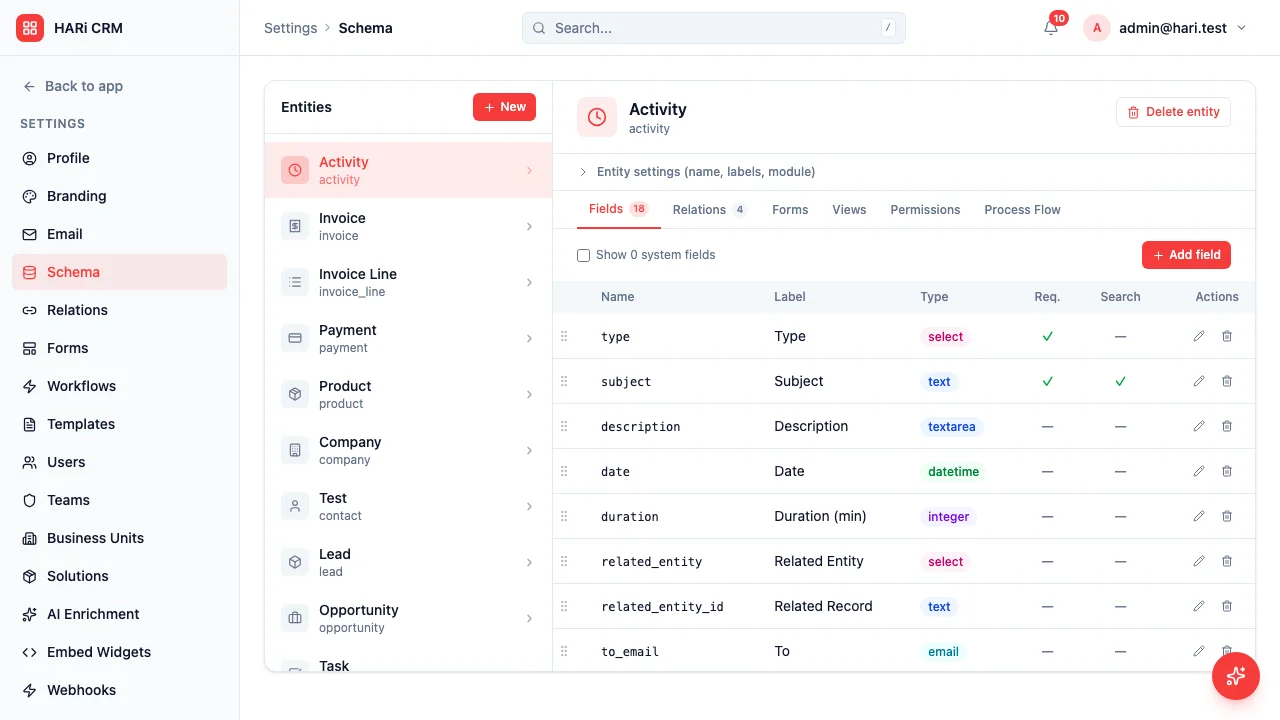
HARi CRM exposes a full REST API for integration and automation.
Base URL
Section titled “Base URL”https://<your-workspace>.haricrm.com/apiAuthentication
Section titled “Authentication”All API requests require a Bearer token:
# Logincurl -X POST https://acme.haricrm.com/api/auth/login \  -H "Content-Type: application/json" \  -d '{"email": "you@company.com", "password": "your-password"}'
# Response{  "access_token": "eyJ...",  "refresh_token": "abc...",  "expires_in": 3600}
# Use the tokencurl https://acme.haricrm.com/api/records/contact \  -H "Authorization: Bearer eyJ..."
API Keys
Section titled “API Keys”For server-to-server integration, create an API key in Settings:
curl https://acme.haricrm.com/api/records/contact \ -H "Authorization: Bearer hari_a1b2c3..."API keys use the hari_ prefix and have the same permissions as the user who created them.
OpenAPI Specification
Section titled “OpenAPI Specification”The full API spec is available at:
GET /api/openapi.jsonThis returns the OpenAPI 3.0 JSON, auto-generated from your tenant’s schema metadata. The list of endpoints adapts to the entities you have installed. Use it with Swagger UI, Postman, or any OpenAPI-compatible tool.
This endpoint requires authentication: send the same Authorization: Bearer header as any other API call. The spec is generated from your own workspace’s schema, so the token determines which entities you see.
Schema Discovery
Section titled “Schema Discovery”For AI agents and CLI tools:
GET /api/schema/endpointsReturns a condensed map of all endpoints with method, path, summary, and body schema. It requires the same Authorization: Bearer header.
Data API (TreeQL)
Section titled “Data API (TreeQL)”CRUD operations on any entity:
# List recordsGET /api/records/{entity}?page=1&page_size=25
# Get one recordGET /api/records/{entity}/{id}
# CreatePOST /api/records/{entity}Body: { "field": "value", ... }
# UpdatePUT /api/records/{entity}/{id}Body: { "field": "new_value" }
# DeleteDELETE /api/records/{entity}/{id}
Filtering
Section titled “Filtering”# Single filterGET /api/records/contact?filter=source,eq,website
# Multiple filtersGET /api/records/contact?filter=source,eq,website&filter1=_score,gt,20
# Operators: eq, neq, gt, gte, lt, lte, cs (contains), sw (starts with)Sorting
Section titled “Sorting”GET /api/records/contact?sort=created_at,descIncluding related data
Section titled “Including related data”GET /api/records/contact?include=first_name,last_name,email_address,company_idWebhooks
Section titled “Webhooks”Subscribe to events for real-time notifications:
# SubscribePOST /api/webhooks/subscribe{  "target_url": "https://hooks.zapier.com/...",  "entity": "contact",  "event": "after_save"}
# Events: after_create, after_update, after_delete, after_save (any save)
Rate Limits
Section titled “Rate Limits”- Authenticated requests: 1,000/minute per user
- Login attempts: 20/minute per IP
- Unauthenticated requests: 60/minute per IP