
Gmail Integration
import { Aside } from ‘@astrojs/starlight/components’;
What it does
Section titled “What it does”The Gmail integration connects your Google Workspace or personal Gmail account to HARi via OAuth, so you can send emails directly from the CRM using your Gmail identity.
Features
Section titled “Features”- Send emails from HARi using your Gmail address (emails appear in your Gmail Sent folder)
- OAuth authentication — secure sign-in with Google, no password stored in HARi
- PKCE-protected flow — modern OAuth 2.0 with code challenge / verifier, the same standard banks use for app sign-in
How to connect
Section titled “How to connect”- Go to Settings > Connected Channels
- Click Connect Gmail
- Authorize HARi via Google’s OAuth consent screen
- You’re connected — your Gmail address now appears as a sending mailbox
Alternative: SMTP
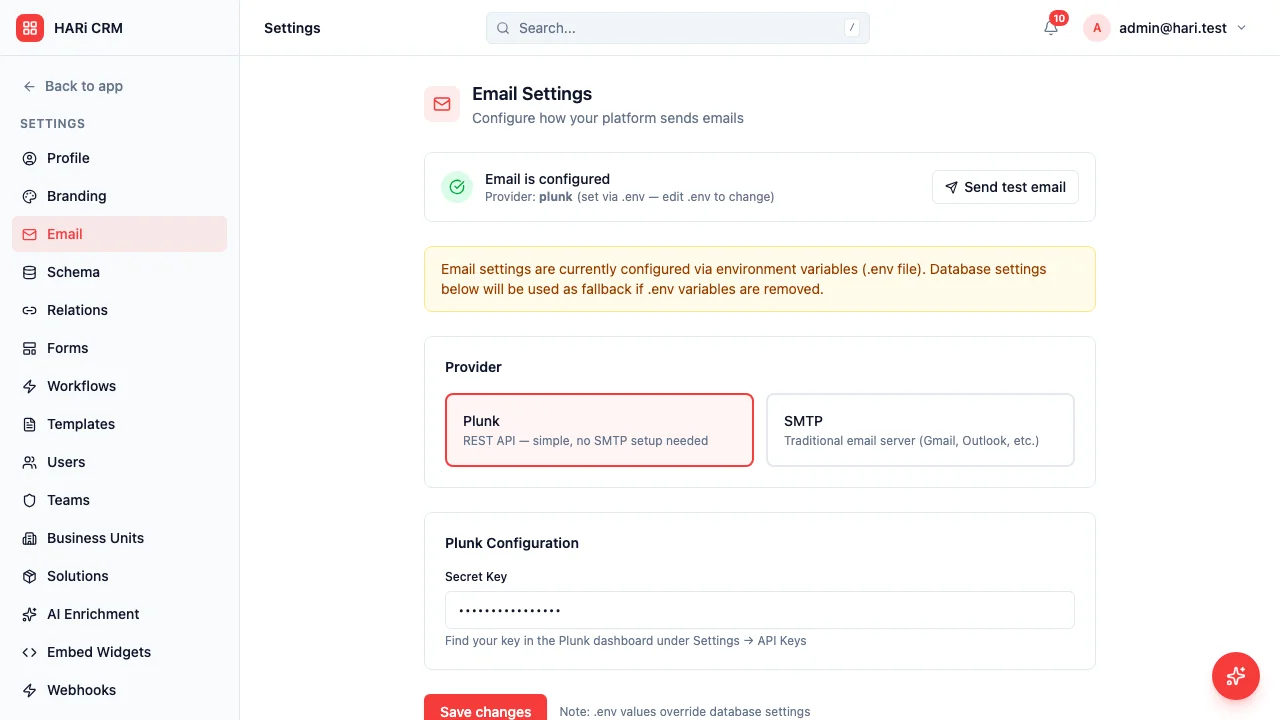
Section titled “Alternative: SMTP”You can also send emails via SMTP using a Gmail app password:
- Go to Settings > Email Sending
- Enter Gmail SMTP settings (smtp.gmail.com, port 587)
- Use an app password (generate one in your Google Account security settings)
- Emails sent from HARi will use your Gmail address
What data syncs today
Section titled “What data syncs today”| Direction | Data |
|---|---|
| HARi to Gmail | Sent emails appear in your Gmail Sent folder |
Inbound email threading and full bidirectional sync are on the roadmap. Want to be notified when they launch? Contact us.