
Create another workspace
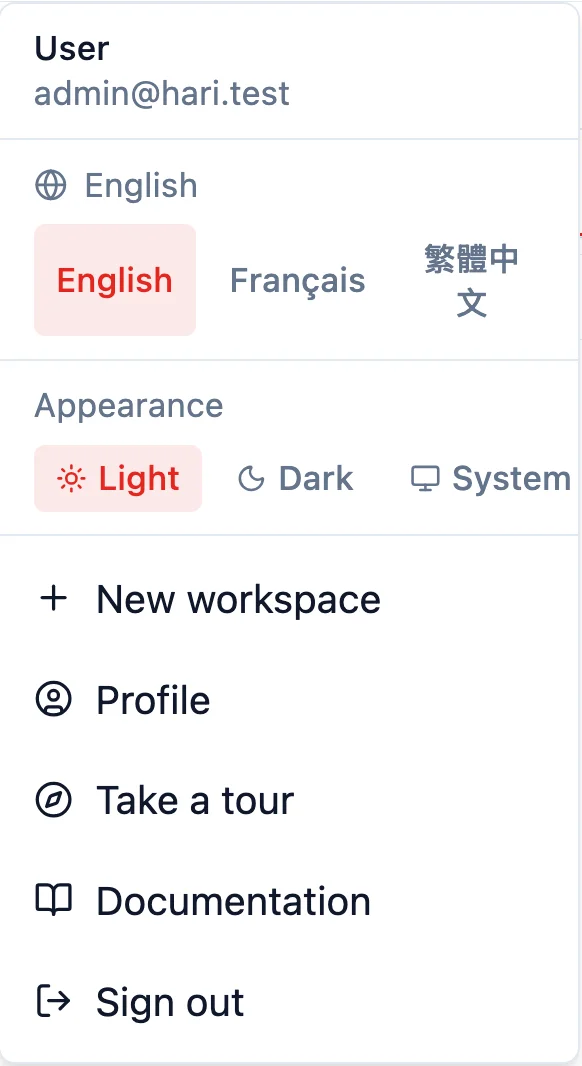
Open the menu on your name and choose New workspace. Type a name and choose Create workspace. It starts on the free 30-day trial, like any new workspace, and it is billed separately. When you belong to more than one, that menu lists them so you can switch. One account can own up to 10. Contact support for more.
How do I create another workspace?
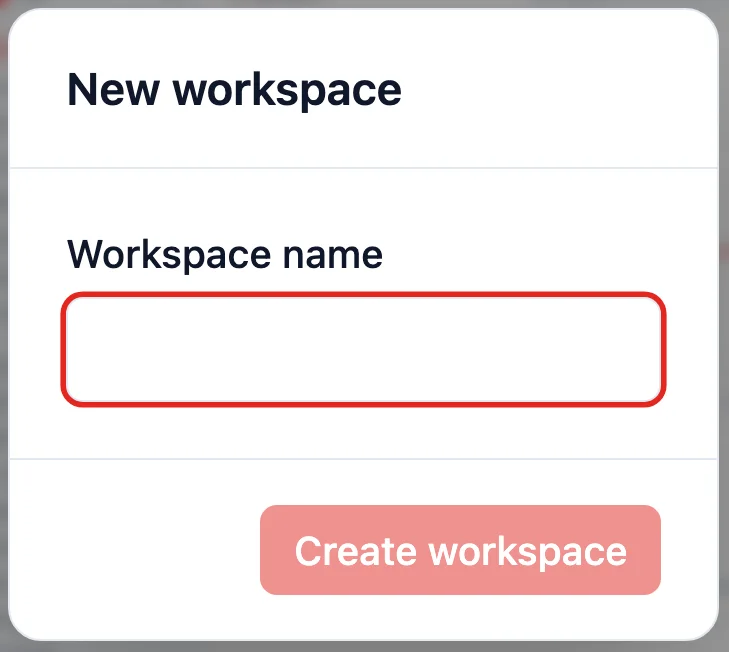
Section titled “How do I create another workspace?”Open the menu on your name, at the top right, and choose New workspace. Type the Workspace name and choose Create workspace. While HARi creates it, the button reads Creating your workspace… and the dialog says this can take about a minute. HARi then opens the new workspace. You use the same email and password. The workspace you were in stays as it was.
What does a new workspace start on?
Section titled “What does a new workspace start on?”It starts on the free 30-day trial, the same as any new workspace, and it is billed separately. There is no card to enter in the dialog. Paying for one workspace does not pay for another. Each workspace has its own Settings → Billing page. An administrator starts a paid plan from there. See Upgrade to Pro and Is there a free trial?.
Hong Kong’s government counts about 355,000 small and medium enterprises as at December 2025, 98.5% of the territory’s business units (GovHK, Trade and Industry). The fact sheet says: “SMEs are an important driving force in Hong Kong’s economic development.” A second line of business is a second workspace: its own trial, and its own bill.
How do I switch between workspaces?
Section titled “How do I switch between workspaces?”Open the menu on your name. When you belong to more than one workspace, Workspaces lists them. The one you are in is marked. Choose another and HARi opens it.
The name in that list is the workspace name. An administrator can change how it reads from Settings → Branding → Workspace identity. See How to personalize your workspace.
Sign out, and the next sign-in asks you to choose when the account belongs to more than one. The page is titled Choose a workspace. It says you belong to multiple workspaces. Pick one to continue.
How many workspaces can one account own?
Section titled “How many workspaces can one account own?”10. When you already own 10, the dialog stays open and reads: You already own 10 workspaces. Contact support to create more. Write to support@haricrm.com.
A workspace you belong to, but do not own, does not count toward the 10.