
CRM for Real Estate Agents
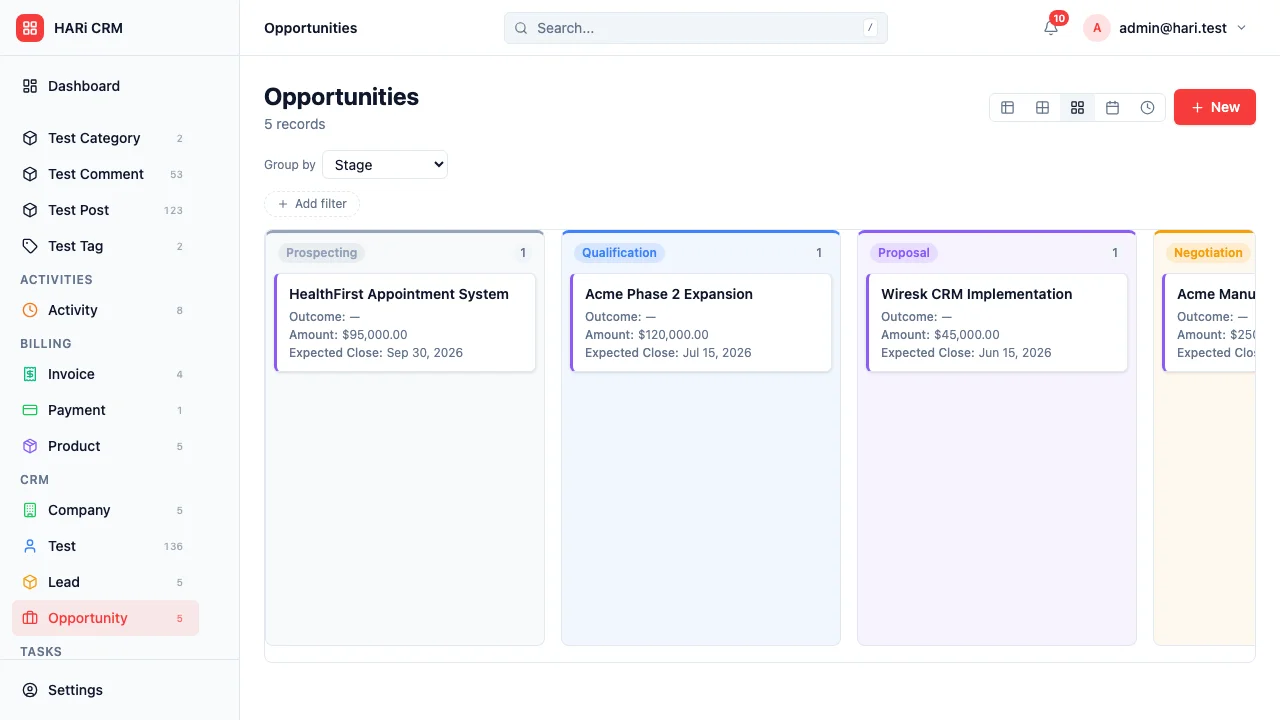
Real estate agents juggle dozens of active listings, buyer inquiries, viewing schedules, and commission calculations simultaneously. Generic CRMs force you to shoehorn property data into contact fields. HARi lets you model property as a first-class entity.
Configuration recipe. This page is a guide to configuring HARi for a real estate practice. It is not a one-click install — the entities, fields and workflows below are ones you build on top of the core CRM solution.
Real estate CRM challenges
Section titled “Real estate CRM challenges”- Property-centric workflow — you need to track properties as first-class entities, not notes on a contact
- Matching buyers to listings — manually cross-referencing buyer preferences with available properties wastes hours
- Viewing logistics — scheduling, confirming, and following up on property viewings across multiple properties and buyers
- Commission complexity — split commissions, co-brokerage fees, and milestone-based payouts need clear tracking
How HARi handles this
Section titled “How HARi handles this”The CRM solution gives you Contacts and Opportunities. Add Property, Viewing, and Commission entities in Settings > Schema, and use Workflows to alert matching buyers, follow up on viewings, and trigger commission calculations.
Entities and fields to set up
Section titled “Entities and fields to set up”- Properties — address, listing price, property type, bedrooms, bathrooms, square footage, status (Available / Under Offer / Sold), photos
- Contacts — buyer or seller flag, budget range, preferred areas, property type preferences
- Viewings — linked to Property and Contact, date/time, feedback notes, interest level
- Opportunities — linked to Property and Buyer Contact, offer amount, status, expected close date
- Commissions — linked to Opportunity, commission percentage, split details, payment status
Suggested workflows
Section titled “Suggested workflows”Configure these in Settings > Workflows:
- New listing alert — when a property is listed, automatically notify all buyers whose preferences match (area, budget, type)
- Viewing follow-up — 24 hours after a viewing, send the buyer a feedback request email
- Offer tracking — when an offer is submitted, notify the seller and update the property status to “Under Offer”
- Commission calculation — when a deal closes, automatically calculate the commission based on the sale price and agreed percentage
- Listing expiry warning — 7 days before a listing agreement expires, alert the agent to discuss renewal
Key dashboard widgets
Section titled “Key dashboard widgets”- Active listings by status
- Viewings scheduled this week
- Pipeline value (pending offers)
- Commission earned this month vs. target
- Average days on market
Get started
Section titled “Get started”- Sign up for a free HARi account and install the CRM solution from Settings > Solutions.
- In Settings > Schema, add Property, Viewing, and Commission entities with the fields above.
- Configure the suggested workflows in Settings > Workflows.
- Build a real-estate dashboard from Dashboards with the suggested widgets.