
CRM for Non-Profits
Non-profit organizations need to manage relationships just as carefully as businesses, but the dynamics are different. Your “customers” are donors, volunteers, and beneficiaries. Your “revenue” comes from donations, grants, and fundraising events. You need a CRM that speaks the language of non-profit work, not sales quotas.
Configuration recipe. This page is a guide to configuring HARi for a non-profit. It is not a one-click install — the entities, fields and workflows below are ones you build on top of the core CRM solution.
Non-profit CRM challenges
Section titled “Non-profit CRM challenges”- Donor retention — keeping existing donors engaged is far more cost-effective than finding new ones
- Campaign tracking — knowing which fundraising campaigns generate the most support
- Volunteer coordination — scheduling volunteers, tracking their hours, and recognizing their contributions
- Grant management — tracking applications, reporting requirements, and deadlines for institutional funding
- Limited budgets — enterprise CRM pricing is out of reach for most non-profits
How HARi handles this
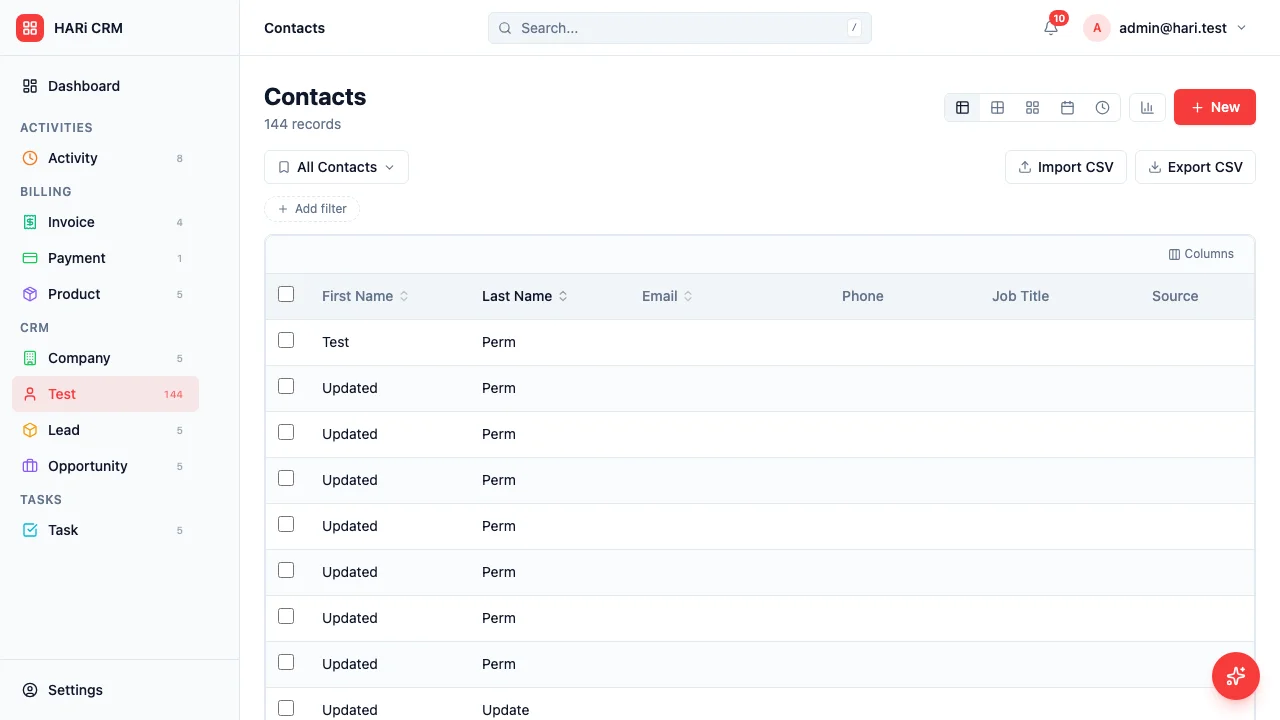
Section titled “How HARi handles this”The CRM solution gives you Companies (Organisations) and Contacts (Donors). Add Campaign, Donation, Event, and Volunteer entities in Settings > Schema and use Workflows to handle thank-yous, recurring reminders, and lapsed-donor outreach.
Entities and fields to set up
Section titled “Entities and fields to set up”- Donors (Contacts) — giving history, preferred causes, communication preferences, recurring donation status, lifetime giving total
- Organizations (Companies) — type (Foundation / Corporate / Government), grant potential, relationship stage
- Campaigns — name, goal amount, raised amount, start/end dates, type (Annual Fund / Capital / Event / Emergency)
- Donations — linked to Donor and Campaign, amount, date, method (Online / Check / Wire / In-Kind), tax receipt status
- Events — linked to Campaign, date, location, capacity, ticket price, attendee count
- Volunteers — linked to Contact, skills, availability, hours logged, assigned events
Suggested workflows
Section titled “Suggested workflows”Configure these in Settings > Workflows:
- Donation acknowledgment — when a donation is recorded, immediately send a personalized thank-you email with tax receipt
- Recurring donation reminder — 7 days before a recurring donation is due, send a gentle reminder
- Lapsed donor alert — if a donor who gave last year hasn’t given in 10 months, alert the fundraising team
- Campaign milestone — when a campaign reaches 50%, 75%, and 100% of its goal, notify the team
- Volunteer appreciation — when a volunteer logs their 50th hour, trigger a recognition email and certificate task
Key dashboard widgets
Section titled “Key dashboard widgets”- Total raised this year vs. goal
- Donations by campaign
- Donor retention rate
- Top donors (leaderboard)
- Upcoming events and volunteer needs
Get started
Section titled “Get started”- Sign up for a free HARi account and install the CRM solution from Settings > Solutions.
- In Settings > Schema, add Campaign, Donation, Event, and Volunteer entities with the fields above.
- Configure the suggested workflows in Settings > Workflows.
- Build a fundraising dashboard from Dashboards with the suggested widgets.