
CRM for Marketing Agencies
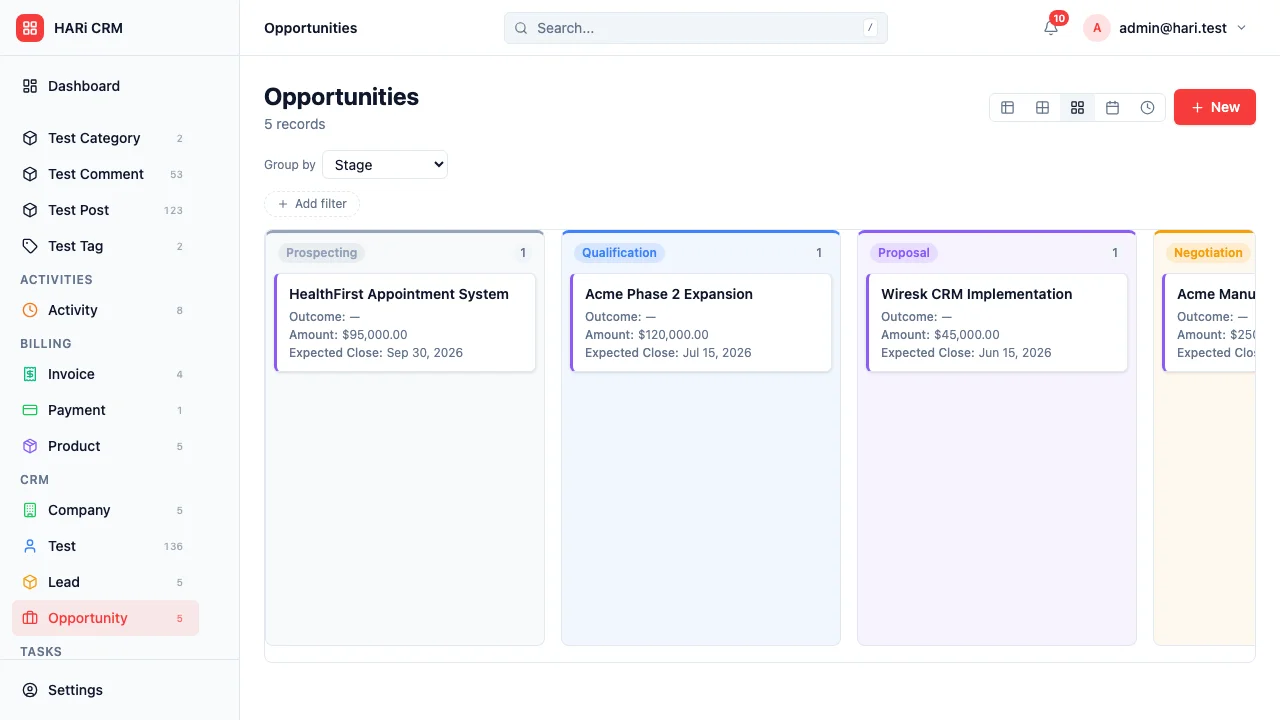
Marketing agencies manage multiple clients, each with their own campaigns, deliverables, timelines, and approval processes. You need to track not just client relationships but the actual work being produced. Most CRMs focus on sales; this configuration adapts HARi for client delivery.
Configuration recipe. This page describes how to shape HARi for a marketing agency using the Schema Editor and Workflows. It is not a one-click install — the entities, fields and automations described below are ones you build on top of the core CRM solution. If you would like a packaged version, get in touch.
Agency CRM challenges
Section titled “Agency CRM challenges”- Multi-client juggling — every team member works across several clients simultaneously
- Deliverable tracking — briefs, drafts, revisions, and approvals need clear status tracking
- Campaign management — each client runs multiple campaigns with different goals and budgets
- Team allocation — knowing who has capacity and who is overloaded prevents burnout and missed deadlines
How HARi handles this
Section titled “How HARi handles this”The CRM solution gives you Companies and Contacts out of the box. On top of that you can add custom entities for campaigns and deliverables, and use Workflows to automate the rituals of agency life.
Entities and fields to set up
Section titled “Entities and fields to set up”- Clients (Companies) — industry, retainer value, primary contact, contract renewal date
- Contacts — role (Marketing Director, Brand Manager, etc.), approval authority
- Campaigns — linked to Client, name, objective, budget, start/end dates, status (Planning / Active / Paused / Completed)
- Deliverables — linked to Campaign, type (Blog Post / Social Post / Ad Creative / Report), assignee, due date, status (Briefed / In Progress / Review / Approved / Published)
- Team Members — role, skills, current workload, hourly rate
Suggested workflows
Section titled “Suggested workflows”Configure these in Settings > Workflows:
- Brief received — when a new deliverable is created, assign it to the appropriate team member based on type and workload
- Review reminder — when a deliverable moves to “Review” status, notify the client contact for approval
- Deadline warning — 2 days before a deliverable due date, alert the assignee if status is still “In Progress”
- Campaign wrap-up — when all deliverables in a campaign reach “Published”, move the campaign to “Completed” and create a performance report task
- Retainer renewal — 30 days before contract renewal, alert the account manager with a summary of delivered value
Key dashboard widgets
Section titled “Key dashboard widgets”- Deliverables by status across all clients
- Team workload (assignments per person)
- Campaigns active this month
- Upcoming deadlines (next 7 days)
- Client retainer utilization
Get started
Section titled “Get started”- Sign up for a free HARi account and install the CRM solution from Settings > Solutions for the core Company / Contact / Lead / Opportunity entities.
- Open Settings > Schema and add the agency-specific entities listed above (Campaign, Deliverable, Team Member) with the fields you need.
- Configure the suggested workflows in Settings > Workflows.
- Build a delivery dashboard from the Dashboards page using counters and custom charts on the new entities.