
Inviting Your Team
Inviting Your Team
Section titled “Inviting Your Team”HARi CRM includes unlimited users at no extra cost. Every workspace subscription (HK$1,990/month) covers as many people as you need. Access is not a seat count — it is teams and roles.
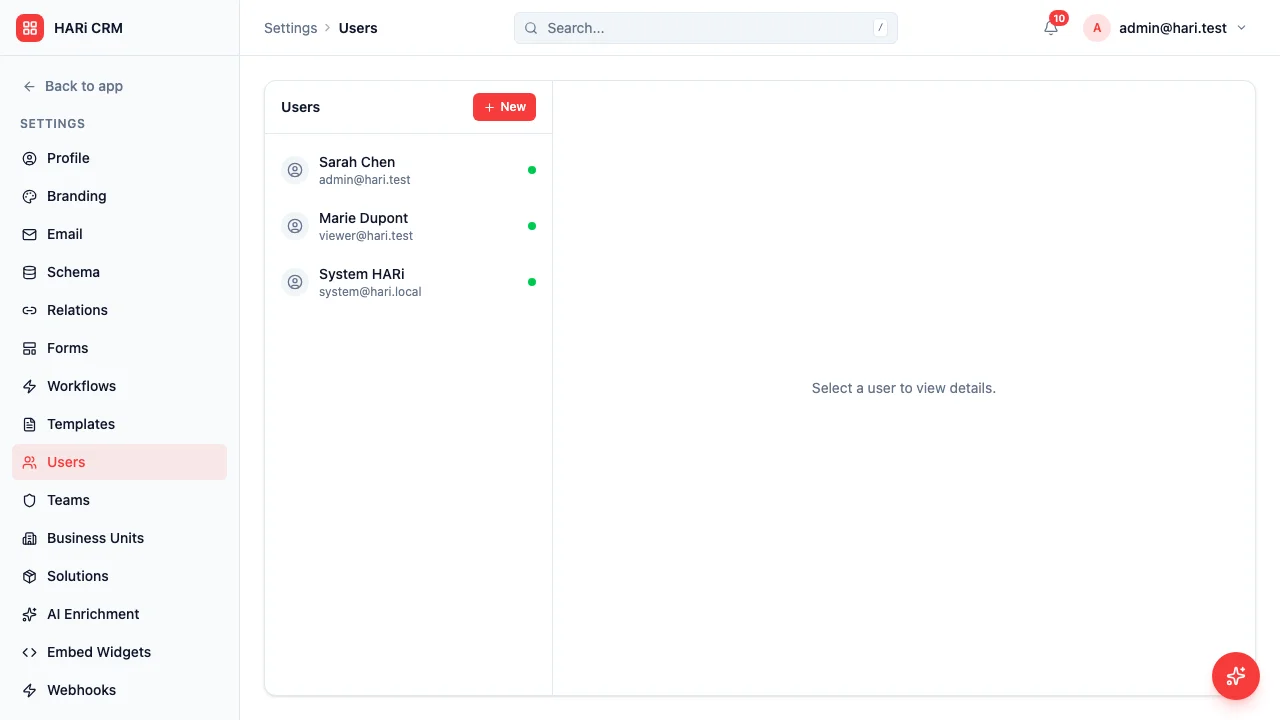
Adding a new team member
Section titled “Adding a new team member”- Go to Settings → Access → Users
- Click the invite button
- Enter their name and email
- Pick the team they join (required). That team’s roles are what they can do
- Send the invite
They receive an email, set a password, and land in the workspace. Their first records go to their default working team (the team you picked), not into a private drawer.
CISA’s guidance on privileged accounts is the same instinct: “No user accounts always have administrator or super-user privileges” (CISA CPGs). Invite people as members of Sales or Finance, not as extra administrators.
Administrator or member
Section titled “Administrator or member”- Administrator — settings, schema, workflows, user management, and every record. Keep this count small (1–3 people).
- Member — everyday work. What they see is the roles on the teams they join.
You need at least one administrator. The last administrator cannot be deactivated until you grant the role to someone else.
Roles come from teams
Section titled “Roles come from teams”You do not assign a “permission profile” to the user. You:
- Create or pick a role under Settings → Access → Roles
- Attach it to a team
- Put the person on that team
When you change the role, everyone on that team updates. Details: set up role permissions.
Best practices
Section titled “Best practices”- Put new hires on a work team on day one so colleagues can see the records they create
- Use Viewer / Editor / Manager starting points rather than cloning Administrator
- Check Who can see this? on a sample record after the first invite