
How to Connect the Telegram Bot
How to Connect the Telegram Bot
Section titled “How to Connect the Telegram Bot”The HARi Telegram bot lets you interact with your CRM from Telegram — look up contacts, check deal status, and run quick commands from your phone.
The Telegram bot is currently in early access. Reach out to your HARi admin (or support) if you’d like it enabled for your workspace.
Connecting Your Telegram Account
Section titled “Connecting Your Telegram Account”- Open Telegram on your phone or desktop
- Search for @custol_bot (the official HARi bot)
- Tap Start — or send
/startif you’ve messaged the bot before - The bot replies with a welcome message and links your Telegram chat to the workspace’s bot service
Available Commands
Section titled “Available Commands”Once connected, send these commands to the bot:
| Command | What it does |
|---|---|
/help | List available commands |
/search <query> | Search across contacts, companies, leads, and opportunities |
/contact <name> | Find a contact by name |
/pipeline | Summary of opportunities by stage with total values |
/tasks | List your open tasks |
/log <text> | Quickly log a free-text activity |
/stats | Quick workspace KPIs |
Free-text messages are routed to /search by default — typing “Sarah Chen” works the same as /search Sarah Chen.
Notifications
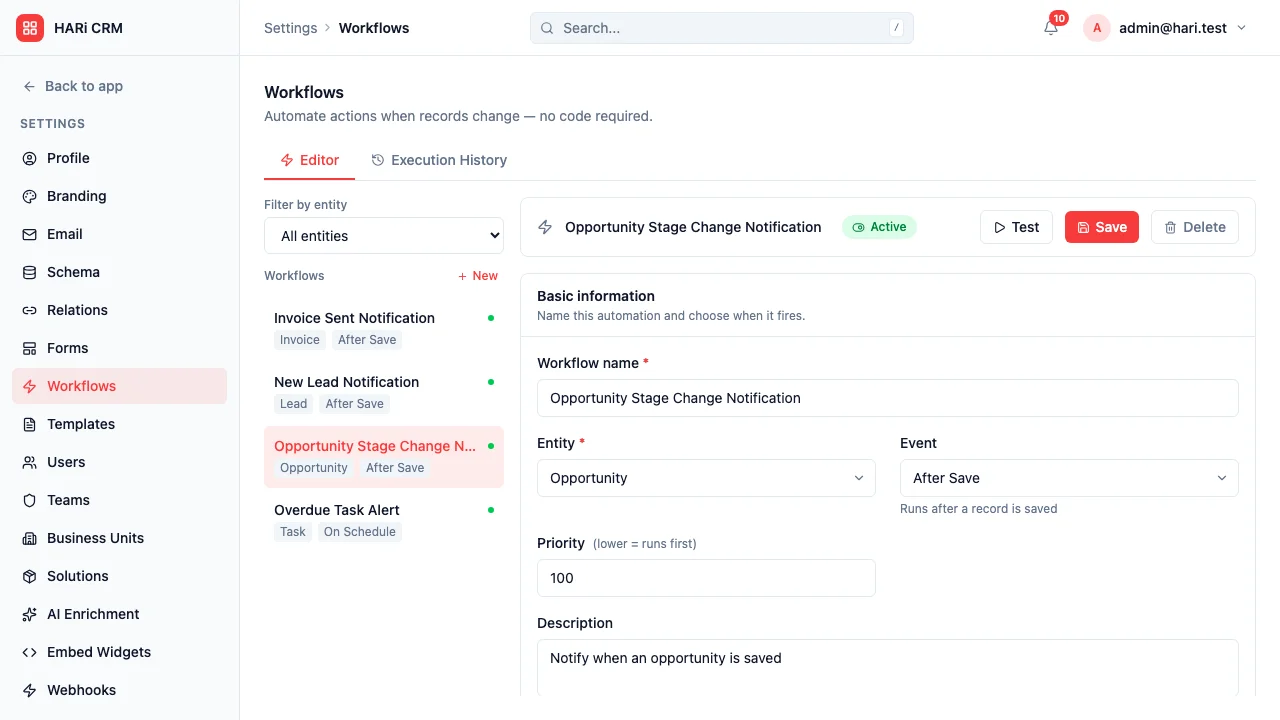
Section titled “Notifications”The bot can deliver workflow-triggered alerts (lead assigned, task overdue, deal stage changed). Configure which workflows route to Telegram in Settings > Workflows by adding a Send notification action with the user’s Telegram chat configured.
Security
Section titled “Security”- The bot only accesses data the workspace exposes through its API
- Your Telegram chat is private — no CRM data is shared in group chats
- Stop the bot at any time by sending
/stopor blocking the bot in Telegram