
Telegram Bot Integration
What it does
Section titled “What it does”The HARi Telegram bot brings your CRM into Telegram. Search for contacts, check your pipeline, and log activities directly from chat.
- Open Telegram and search for @custol_bot
- Send
/startto begin - The bot will guide you through linking your HARi account
- You are connected
Available commands
Section titled “Available commands”Search
Section titled “Search”/search wireskSearch across all entities. Returns matching contacts, companies, deals, and tasks.
Pipeline
Section titled “Pipeline”/pipelineShow an opportunity pipeline summary grouped by stage with deal names, amounts, and totals.
/tasksList your open tasks.
Log activity
Section titled “Log activity”/log Called John about the renewal proposalLog a quick activity note. HARi links it to the most relevant record by matching names in the note text.
Outbound notifications via workflows
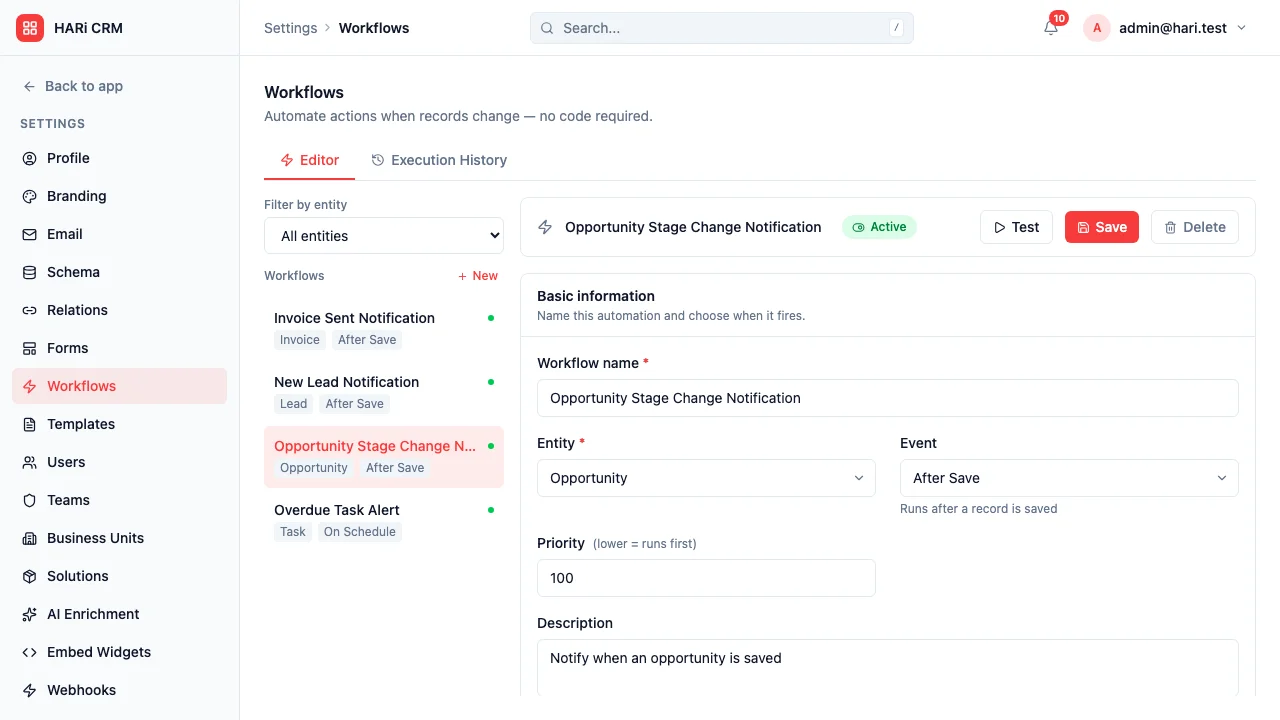
Section titled “Outbound notifications via workflows”You can push CRM events into Telegram channels using a workflow’s Call Webhook action targeting the Telegram Bot API. Examples:
- When a deal is closed-won then webhook to Telegram with “Deal won: {{ name }} for {{ amount }}”
- When a task is overdue then webhook to Telegram with the assignee’s chat ID
- When a lead score exceeds 50 then webhook to a sales manager Telegram channel
A dedicated “Notify via Telegram” workflow action is on the roadmap; today, the webhook action covers all the same use cases.
Conversations in the inbox
Section titled “Conversations in the inbox”The unified inbox supports a telegram channel alongside email and WhatsApp. Two-way Telegram conversation threading on contact records is in active development.
Security
Section titled “Security”- Authentication is required before the bot responds to any command
- The bot never shares data between users; each user sees only records they have permission to access